SEO Next Guide
Licenses and Sites
A license is not just paperwork. It is the base that decides available features, site limits, and support access.
Looking for your actual licenses?
This page is the documentation guide. To see your real license keys, downloads, and assigned domains, open your account license dashboard.
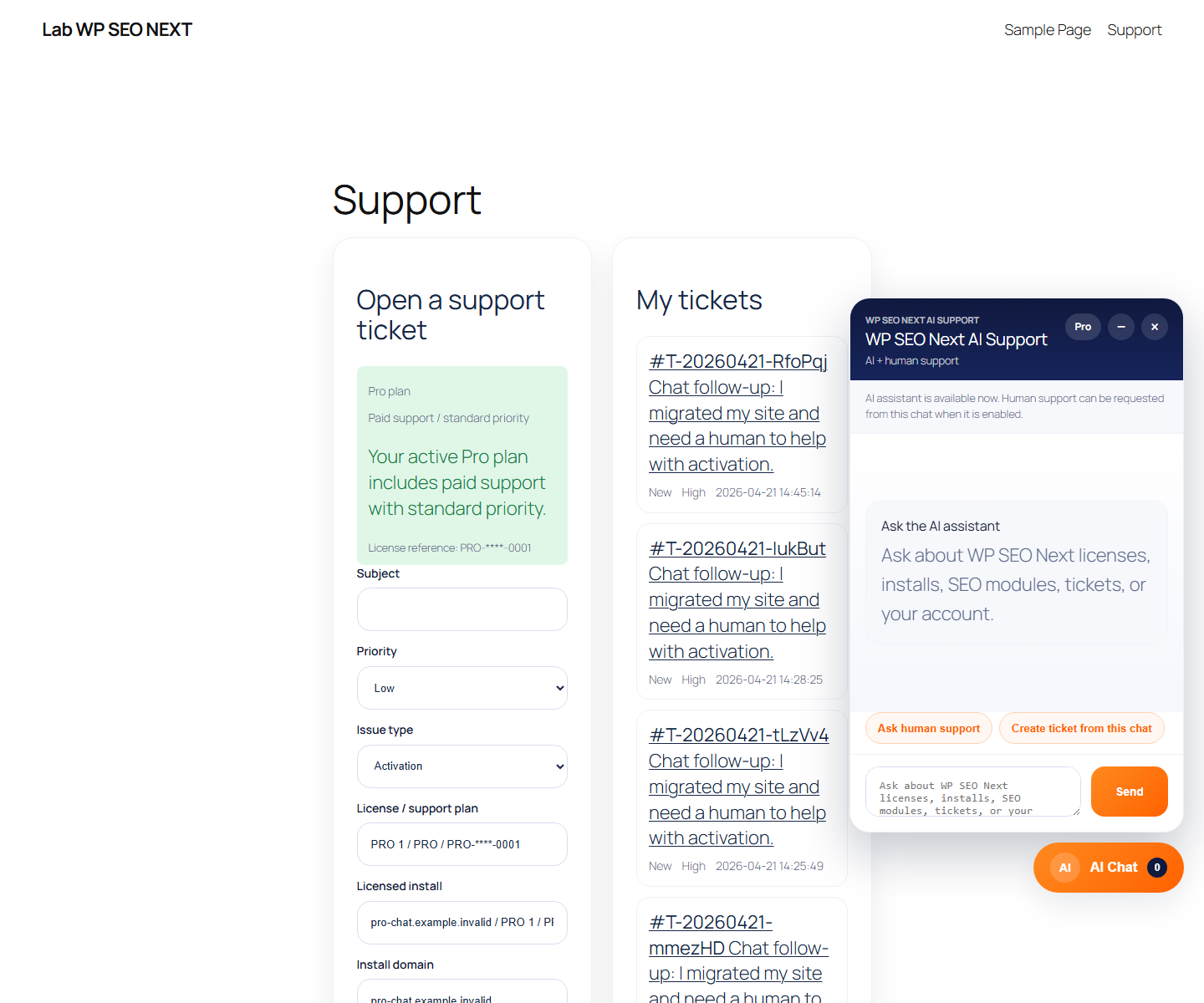
What it is
The screen and workflow for licenses, installs, and domains.
Why it matters
Without the correct site assignment:
- some features may not work as expected
- support context will be incomplete
- it is easy to hit the site limit
Step by step
- Open the license screen or account context.
- Make sure you can see:
– plan – license status – site limit – active installs
- Assign the current site.
- Check that the domain is shown correctly.
- If the limit is reached, check old installs first, then decide whether to upgrade.
What matters for plans
- Pro 1 / 5 / 10 have different site limits
- Agency 25 / 100 / Unlimited are designed for many installs
- Unlimited should appear as Unlimited in the interface, not as an internal number
Common mistakes
- confusing staging and production
- missing a domain mismatch
- expecting Agency behavior on a Pro plan
Quick checklist
- I can see my plan
- I can see my site limit
- The current site is assigned correctly
- I know what to do when the site limit is reached