SEO Next Guide
SEO Audit
Audit is a priority list, not a reason to panic.
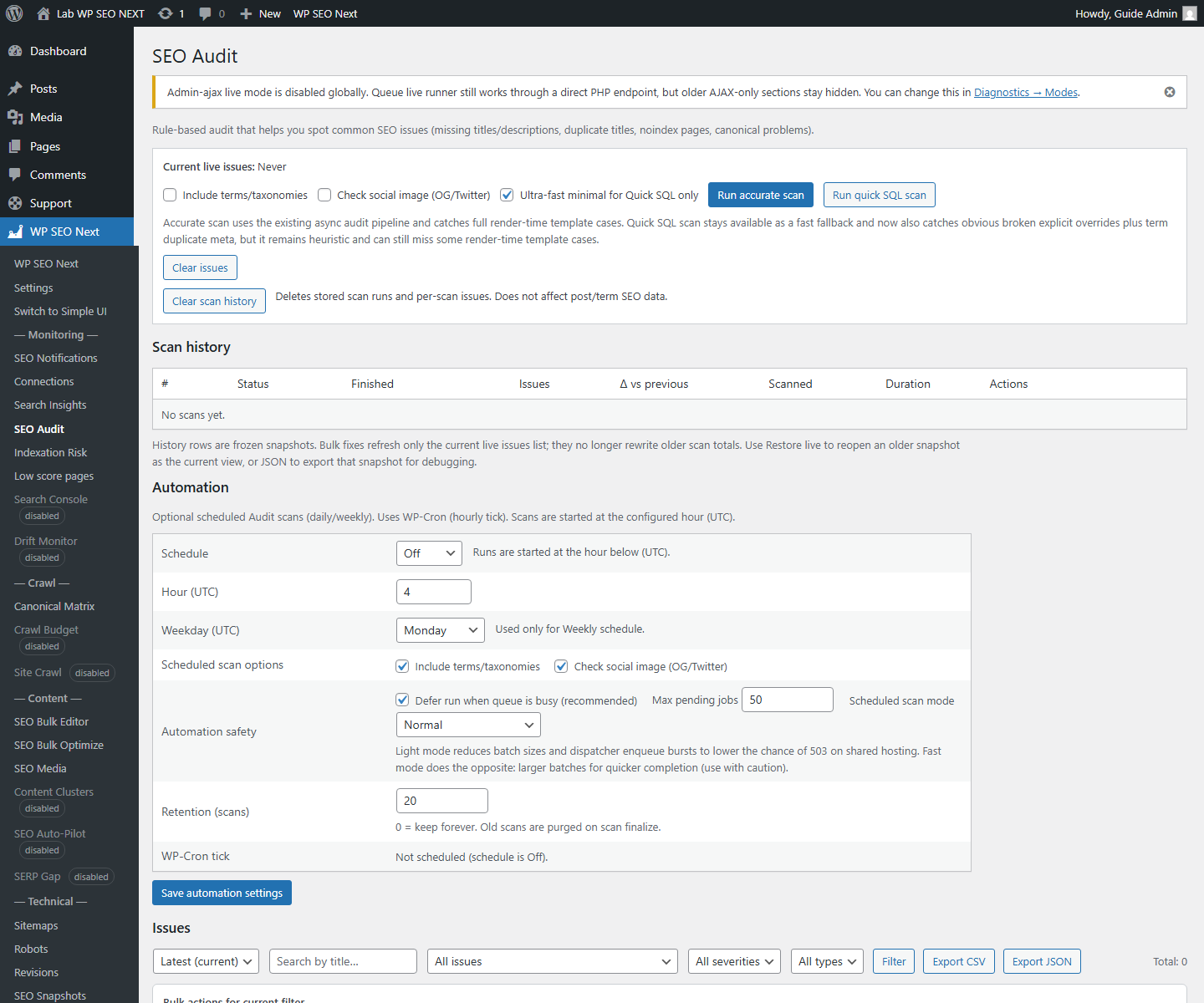
What it is
A module that shows critical, warning, and info issues.
Why it matters
So you know what to fix first.
Step by step
- Open SEO Audit.
- Run the scan.
- Start with Critical items.
- Then review the top warnings.
- For each issue, open the related module:
– metadata – indexing – schema – redirects
- After fixes, run the audit again.
How to read the results calmly
If you see 12 warnings, it does not mean the site is broken. It means you now have a list of improvements.
Common mistakes
- trying to fix everything at once
- ignoring severity
- not rerunning the audit after changes