SEO Next Guide
Search Insights
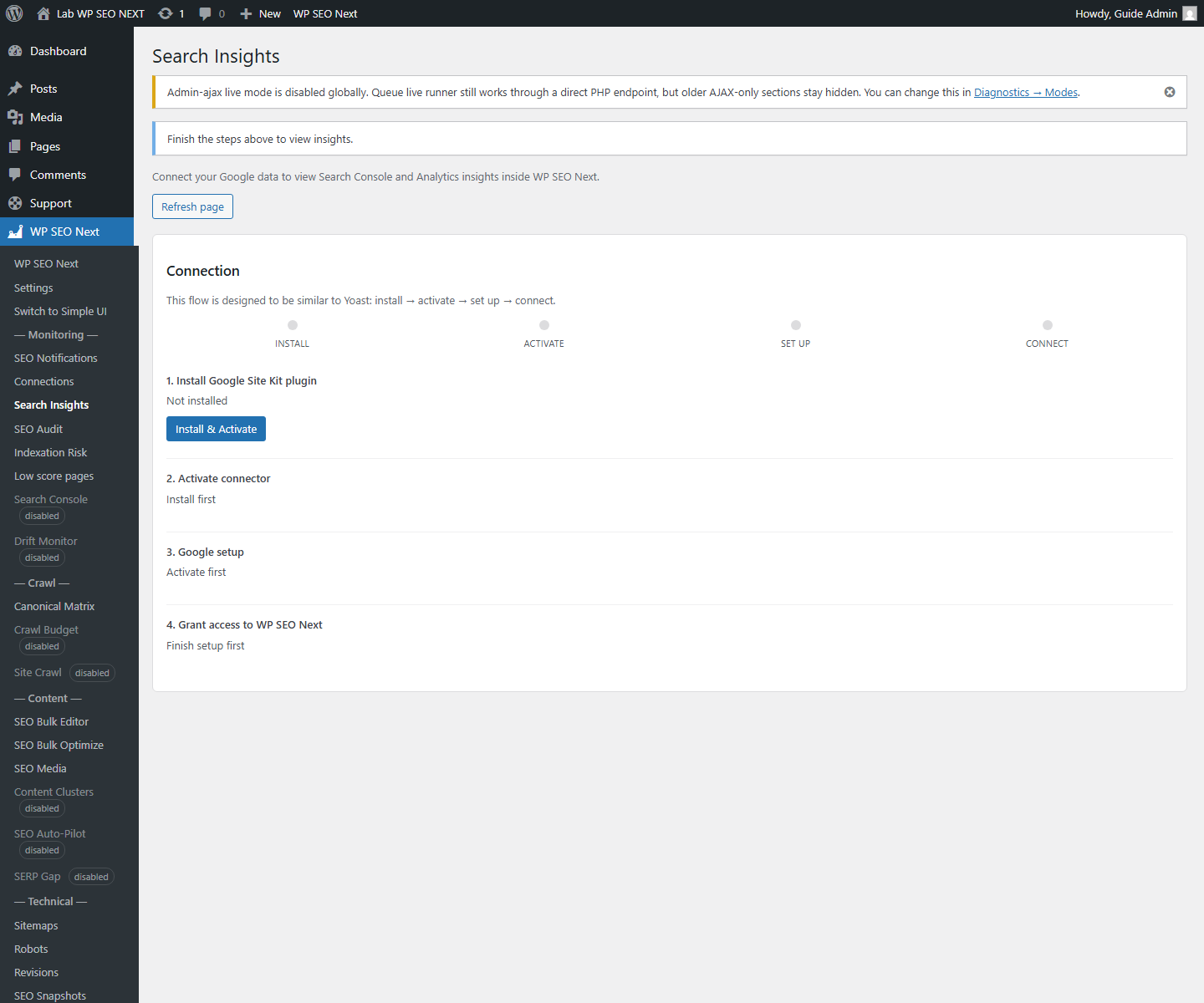
Search Insights helps you see where content has signals and where you are working without enough data.
What it is
A screen with search and content signals, when this module is active in your build.
Why it matters
So decisions are not based only on guesswork.
Step by step
- Open Search Insights.
- Check which signals are actually available.
- Use them as guidance, not as absolute truth.
- Connect the findings with Audit and Metadata Tools.
Important
This module does not replace:
- Audit
- Metadata
- content work
It helps you set priorities.